Your dollars,
in your hands.
GBA Pay is a simple self-custody USDT wallet. Hold, receive and send Tether on the TRON network in a few taps — your keys stay on your phone, protected by a PIN and Face ID.
Everything you need to move USDT. Nothing you don't.
GBA Pay focuses on doing a few things well: receiving, holding and sending USDT on TRC20 — with you in full control.
Your keys, your funds
Your wallet is created on your phone and protected by a 12-word recovery phrase. No one else — including us — can access or freeze your funds.
Your own TRC20 address
Receive USDT to your address with a QR code. Share it or scan it from any exchange or wallet to add money.
Send in seconds
Send USDT to any TRC20 address. Addresses are validated before you confirm, and network fees are shown upfront.
Live balance & activity
Your balance and transaction history update automatically, read straight from the TRON network.
PIN & Face ID
Lock the app with a 6-digit PIN and Face ID, so only you can open your wallet — even if someone has your phone.
Help in the app
Chat with our support team right from the app. We will never ask for your recovery phrase or PIN.
Designed to be simple.
Real screens from GBA Pay on iPhone.
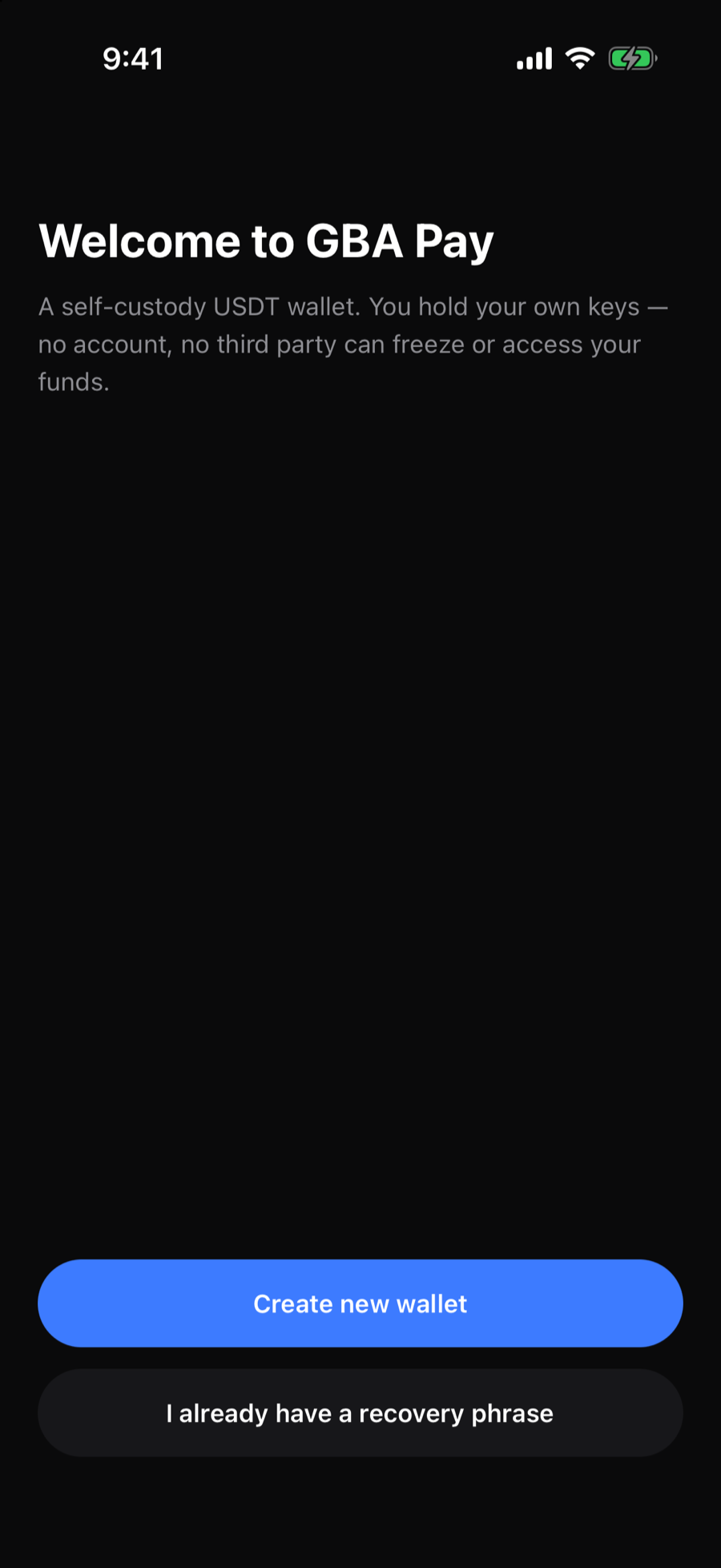
Set up in a minute
Create a new wallet or restore one.
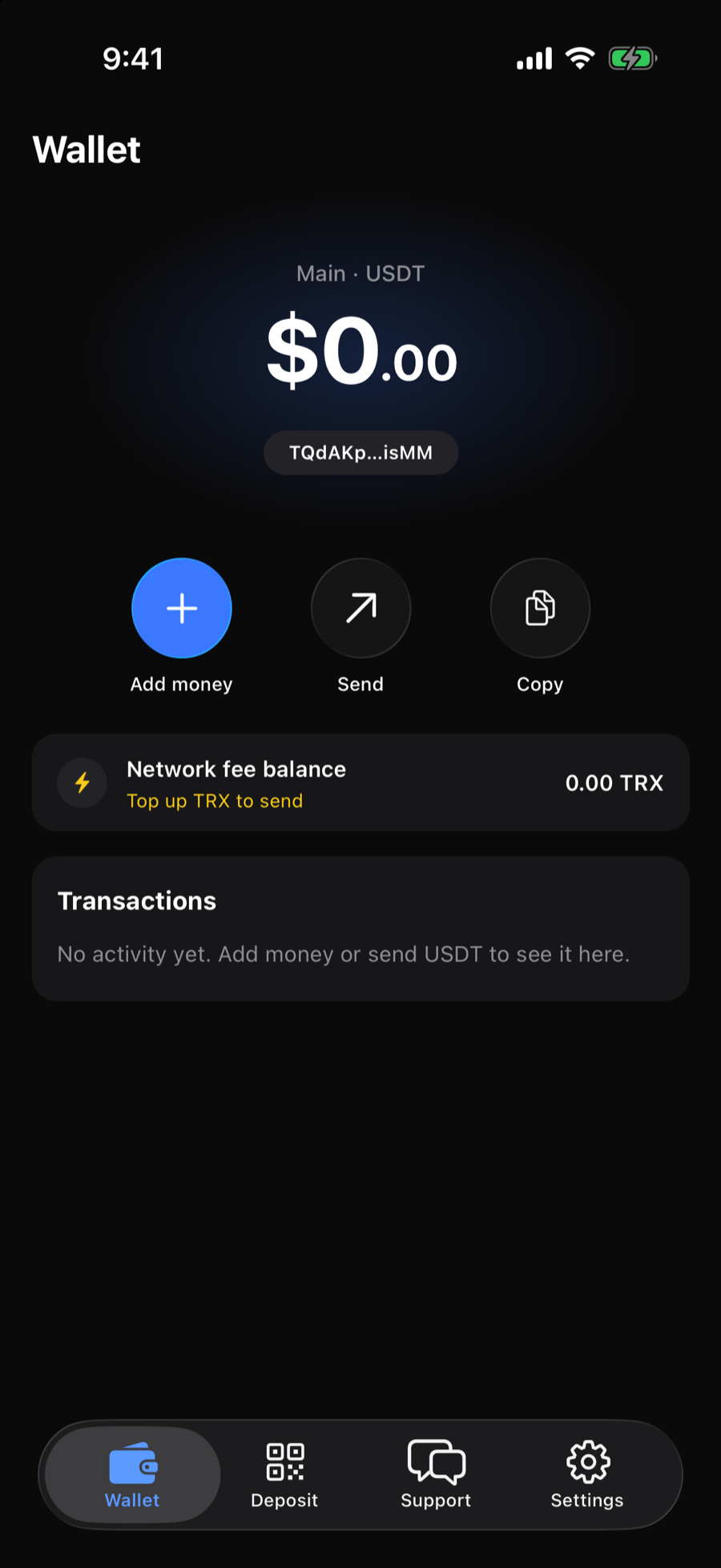
Your balance
Add money, send or copy your address.
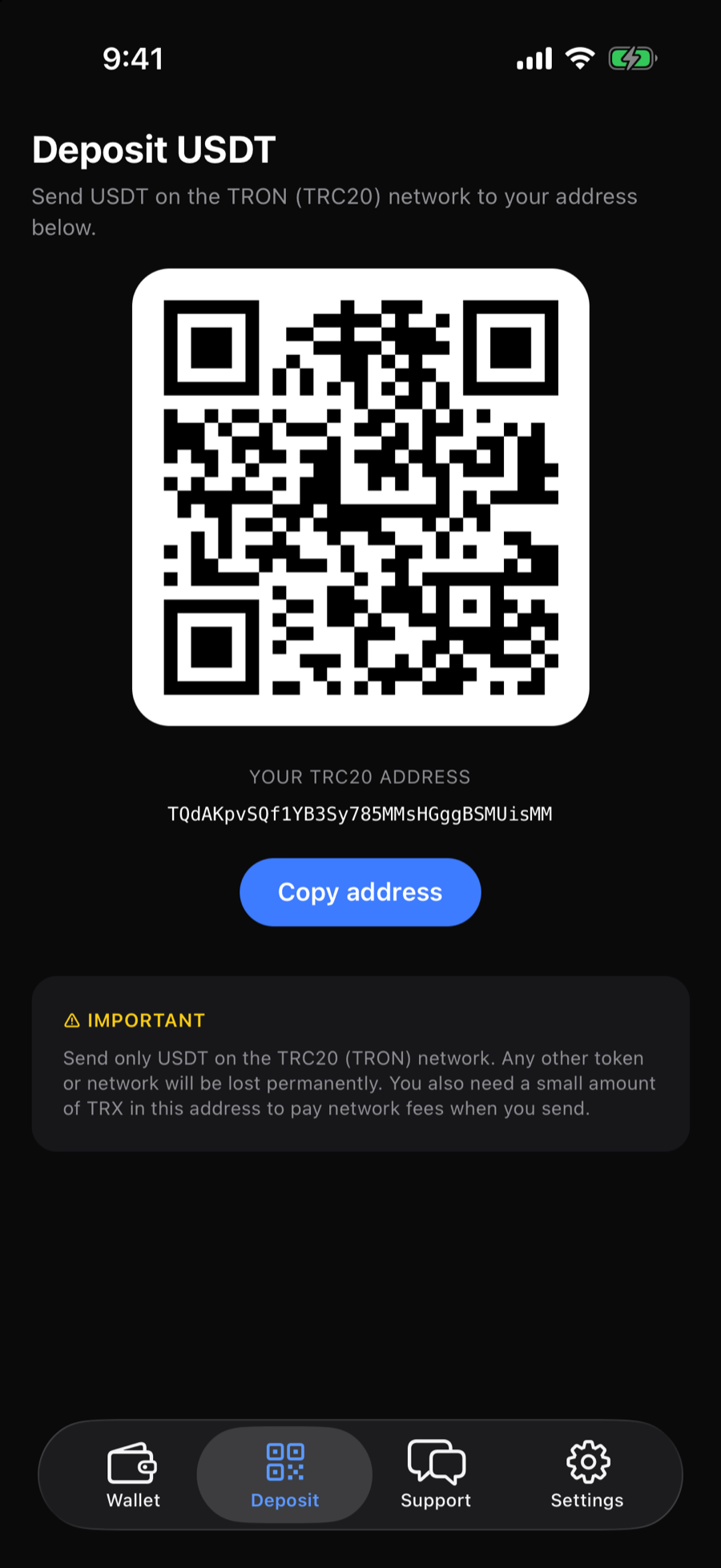
Receive with a QR
Your TRC20 address, ready to share.
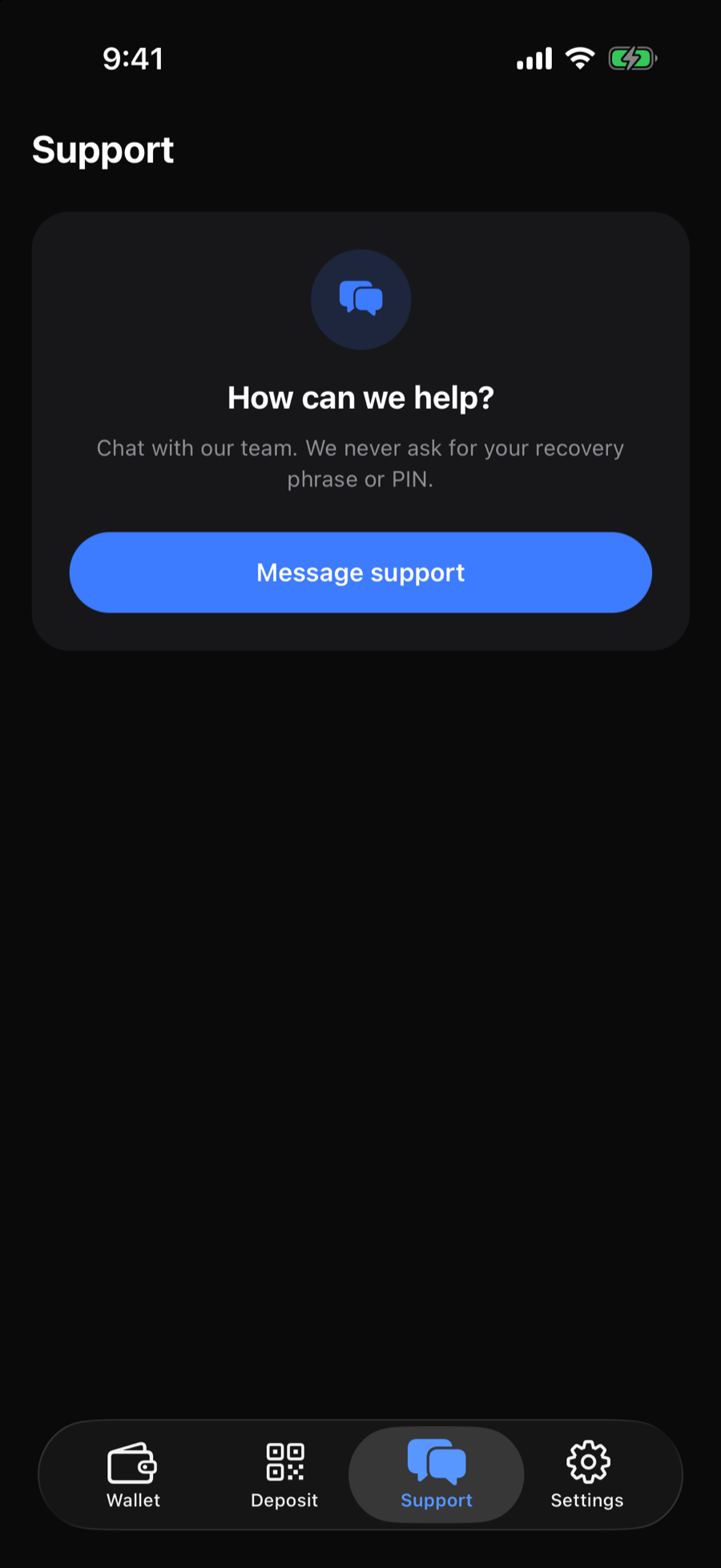
Support built in
Message our team any time.
Up and running in three steps.
Create your wallet
Download GBA Pay and tap "Create new wallet". No sign-up, no email — your wallet is created on your phone.
Save your recovery phrase
Write down your 12 words and keep them safe, then set a PIN. The phrase is the only way to restore your wallet.
Add money & send
Receive USDT to your TRC20 address, keep a little TRX for network fees, and send to anyone in seconds.
Only you control your money.
GBA Pay is non-custodial: your private keys are generated and stored only on your device. Transactions are signed on your phone and sent directly to the TRON network.
- Private keys never leave your phone
- Recovery phrase stored in the device's secure keychain
- Destination address validation before you confirm
- PIN and Face ID app lock
Questions, answered.
Which network does GBA Pay support?
GBA Pay supports USDT on the TRON network (TRC20). Only send TRC20 USDT to your GBA Pay address — tokens sent on other networks may be lost.
What happens if I lose my phone?
Install GBA Pay on a new phone, choose "I already have a recovery phrase" and enter your 12 words. Without the recovery phrase no one — including us — can restore your wallet, so keep it somewhere safe and never share it.
Do I need an account?
No. GBA Pay doesn't require sign-up or an email address. Your wallet lives on your device and is protected by your PIN, Face ID and recovery phrase.
Are there fees?
GBA Pay doesn't charge a fee to send. The TRON network charges a fee for each transfer, paid in TRX — so keep a small amount of TRX in your wallet. The app shows your TRX balance and lets you know when to top up.
How do I remove my wallet from a device?
Go to Settings in the app and choose "Delete wallet from device". Make sure you have your recovery phrase first. You can also read our data deletion page.
Get GBA Pay on your phone.
Available for iPhone and Android.
Get in touch.
Questions about GBA Pay, partnerships or support — we're happy to help.
62 Hoi Yuen Road, Kwun Tong (觀塘)
Kowloon, Hong Kong